to adore / think someone or something is cute
Words I’m not studying
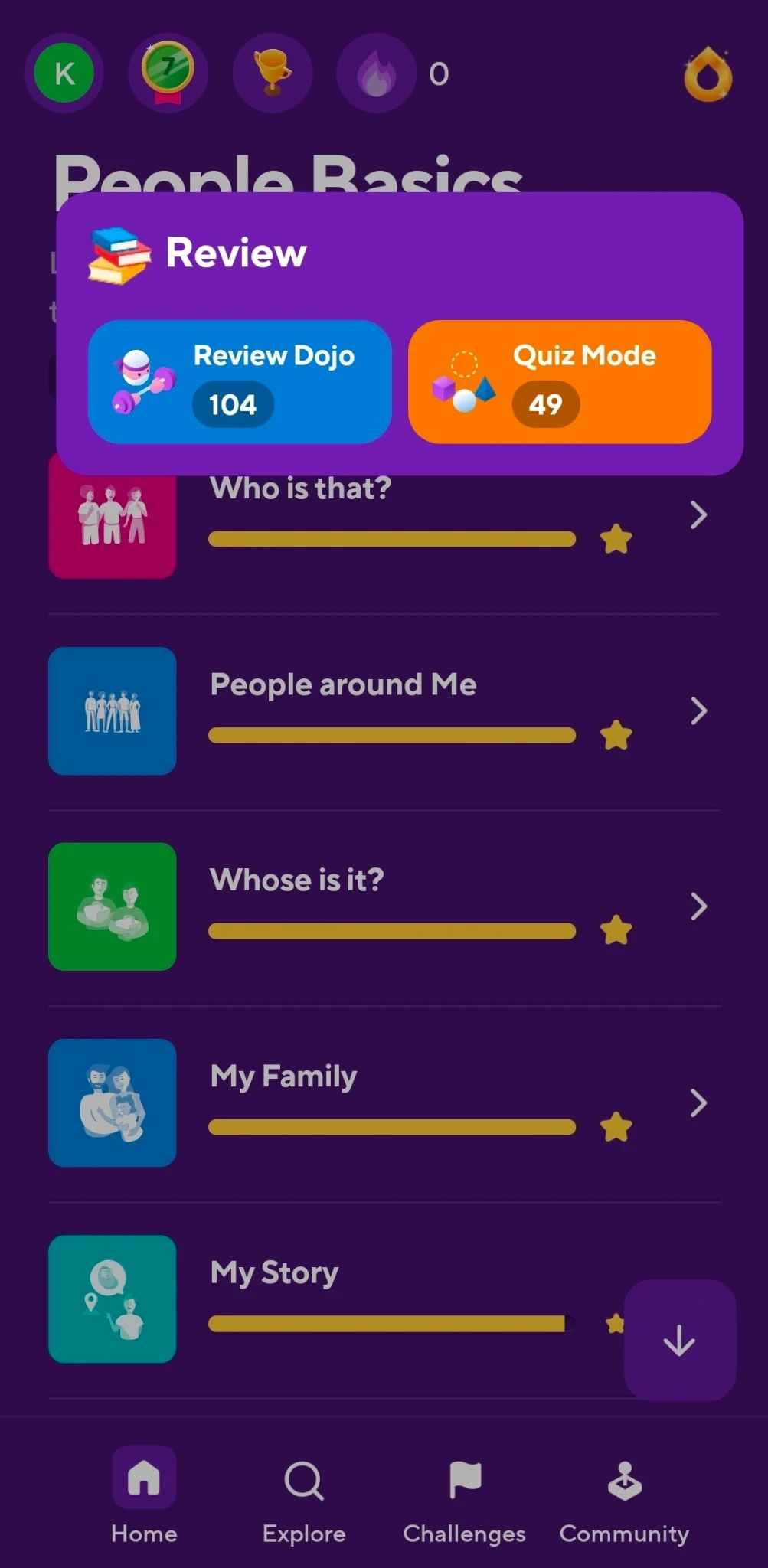
Other apps like Drops choose the vocabulary for me. It can feel random when it doesn’t connect to context.
 Katrina DoneganDesigner & Artist
Learning & voice interaction
Word groups, pronunciation, and speaking practice built around my own Korean study routine.
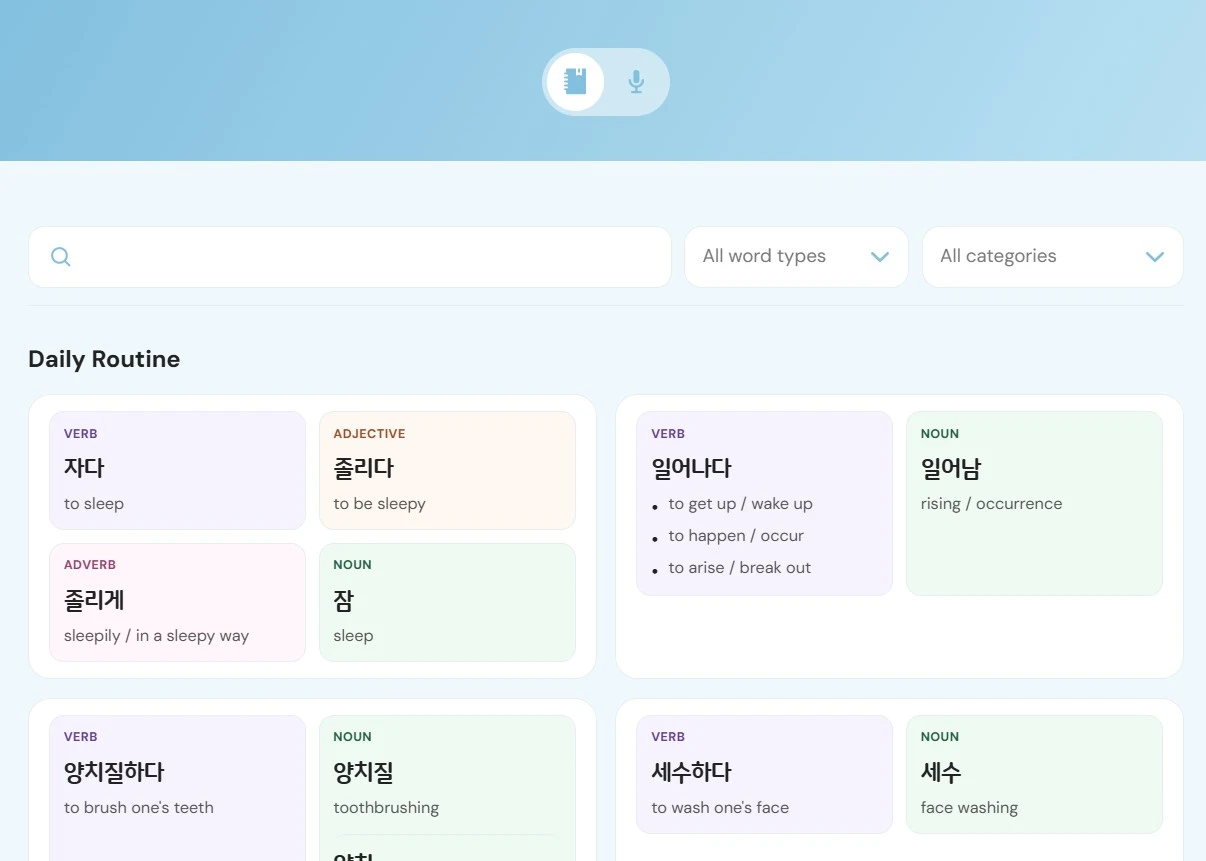
Korean is my third language, and I’m working toward fluency. I want to expand my vocabulary and feel more comfortable saying things out loud. Words stick better when I’ve already seen them in a lesson or an app, so I made a personal dictionary around that.
Other vocabulary apps can feel random or lean toward textbook and formal language. My goal is conversation. I don’t need a log of every Korean word. I want to revisit the ones I’ve specifically encountered and understand how they fit together.
Other apps like Drops choose the vocabulary for me. It can feel random when it doesn’t connect to context.
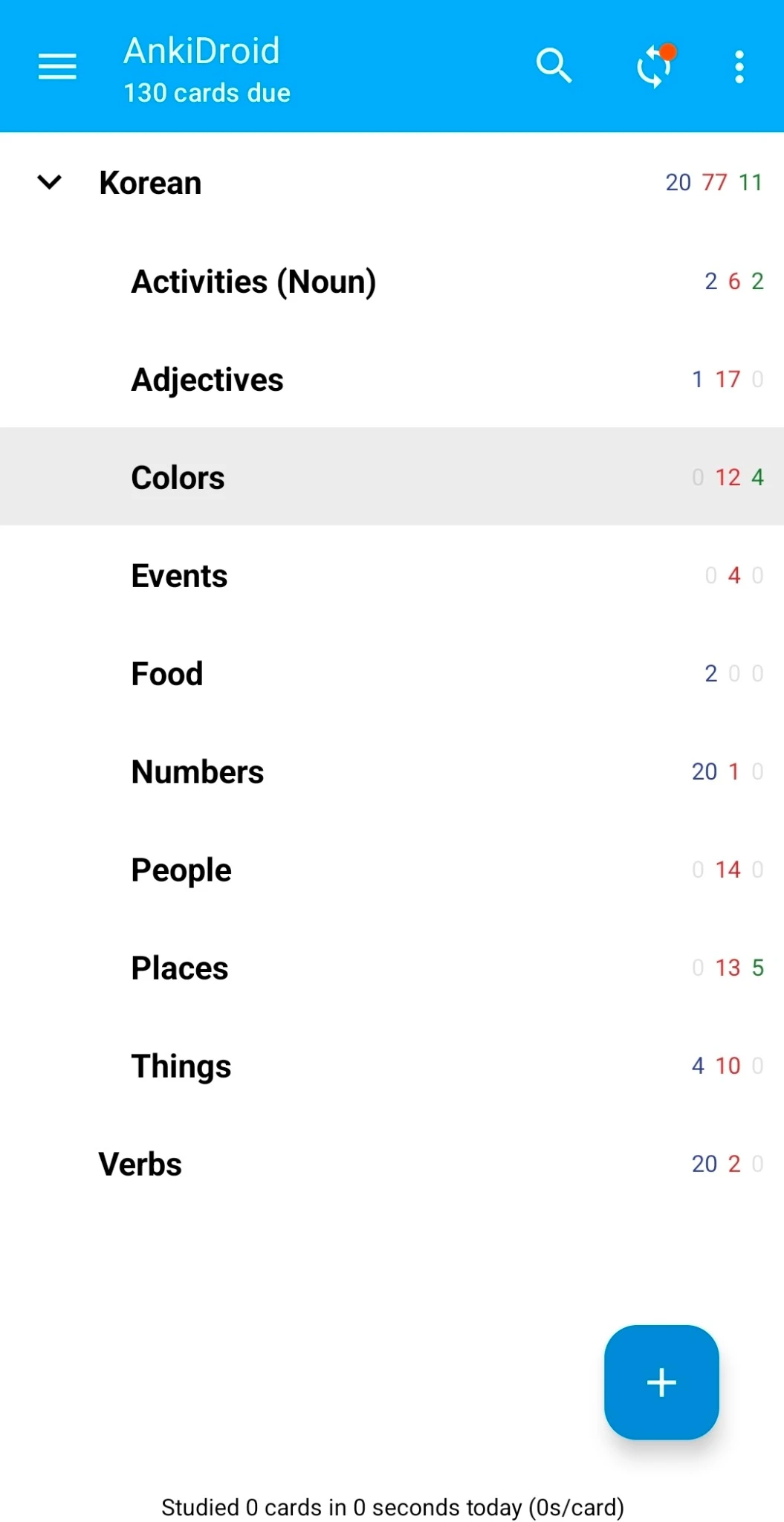
I tried Anki, but I’m not a flashcard learner. I remember words better when I’ve seen them used in context.
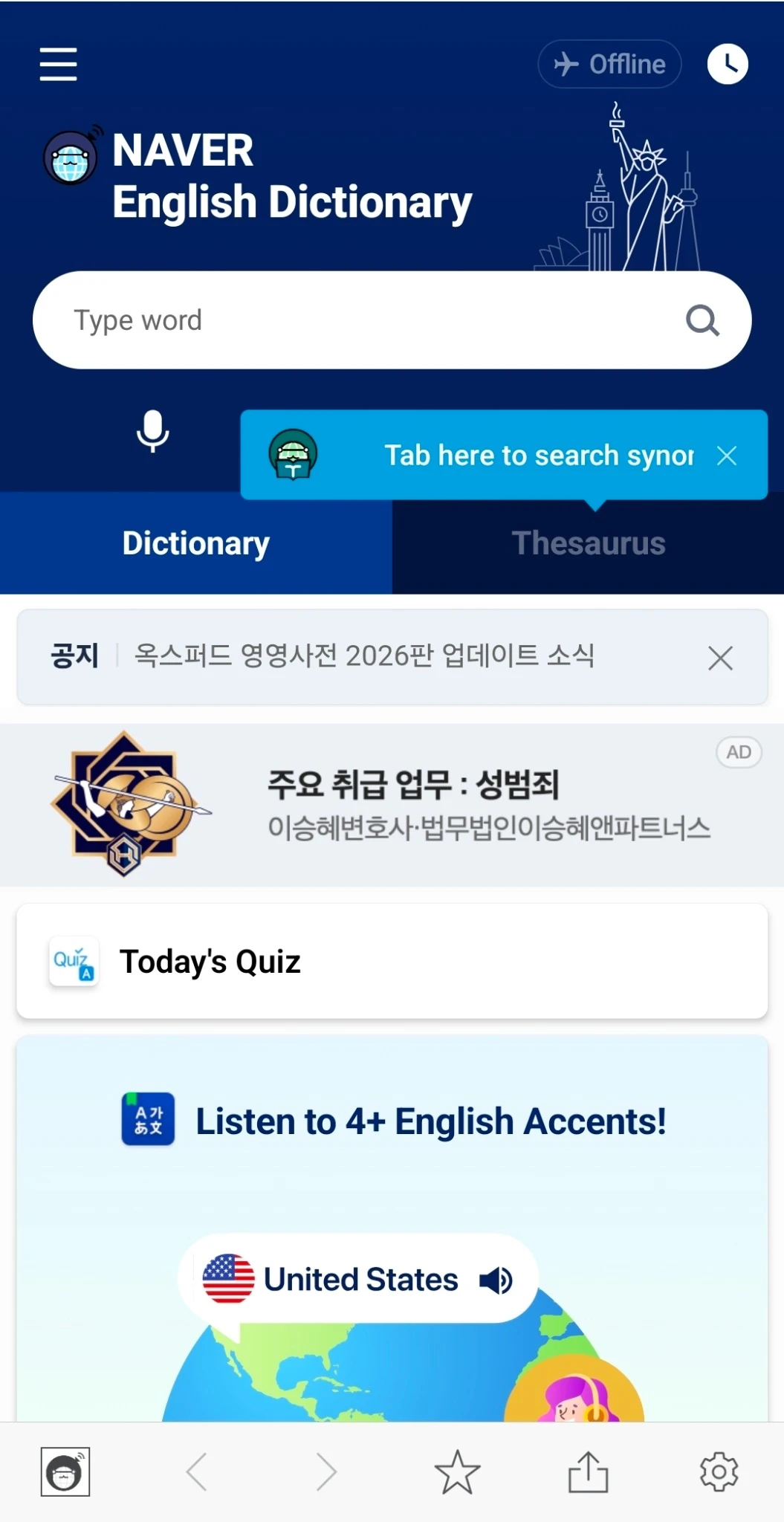
Naver has a lot to offer, but the busy interface is more than I need when I just want to look up and revisit my words.
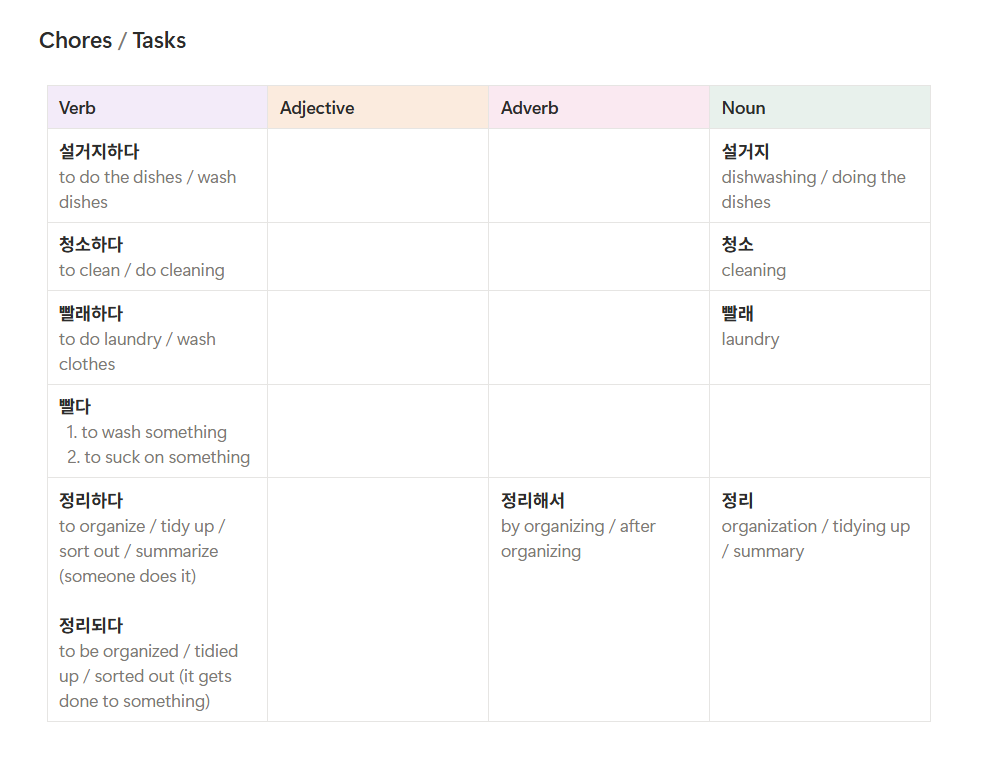
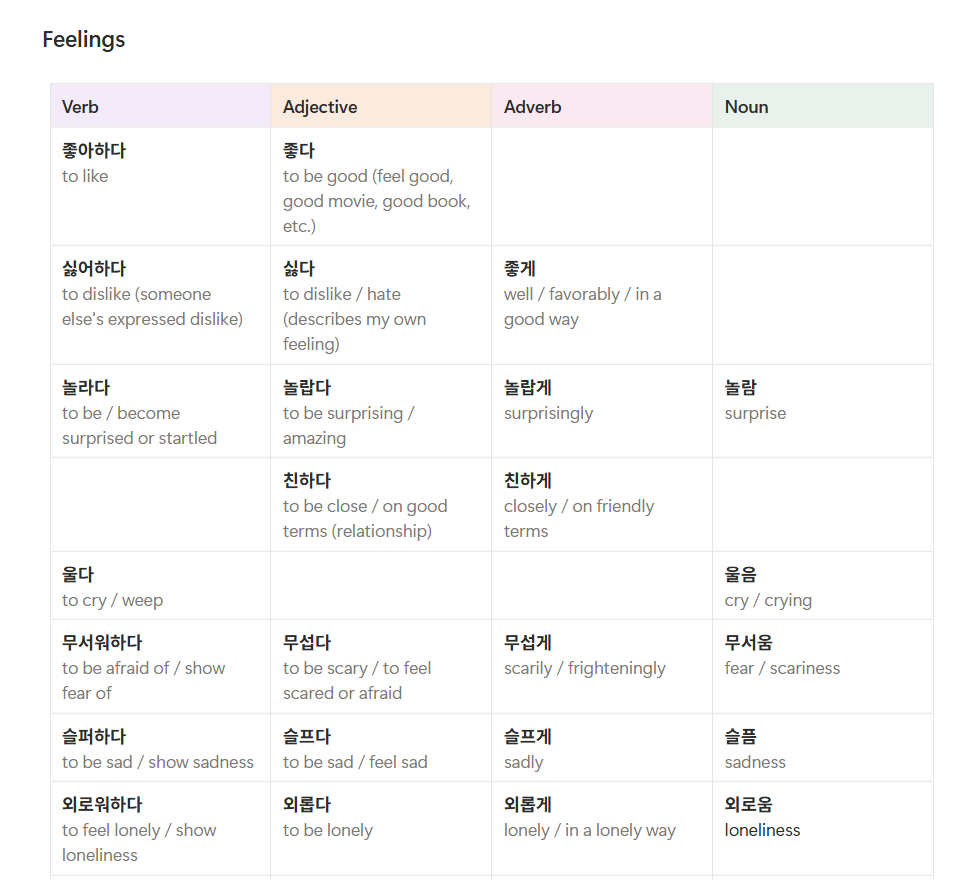
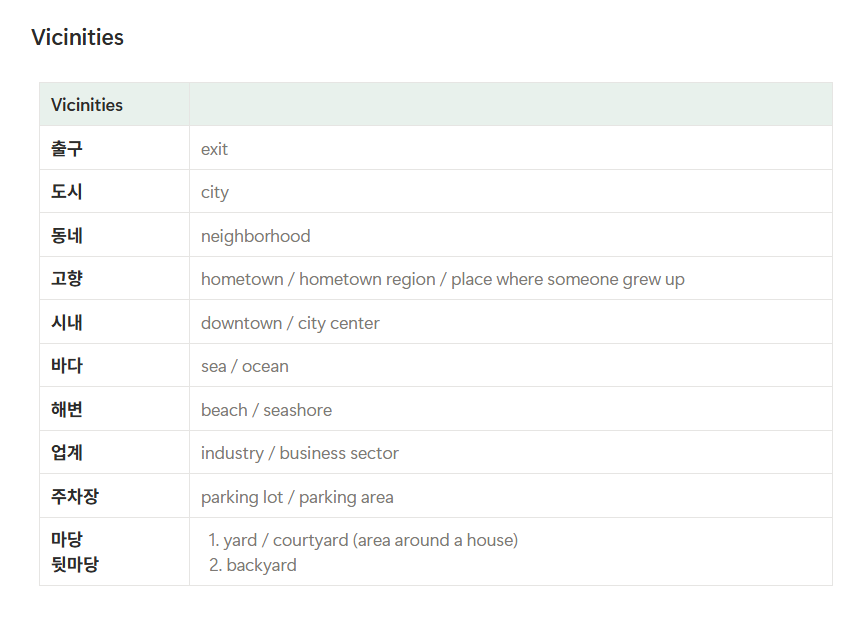
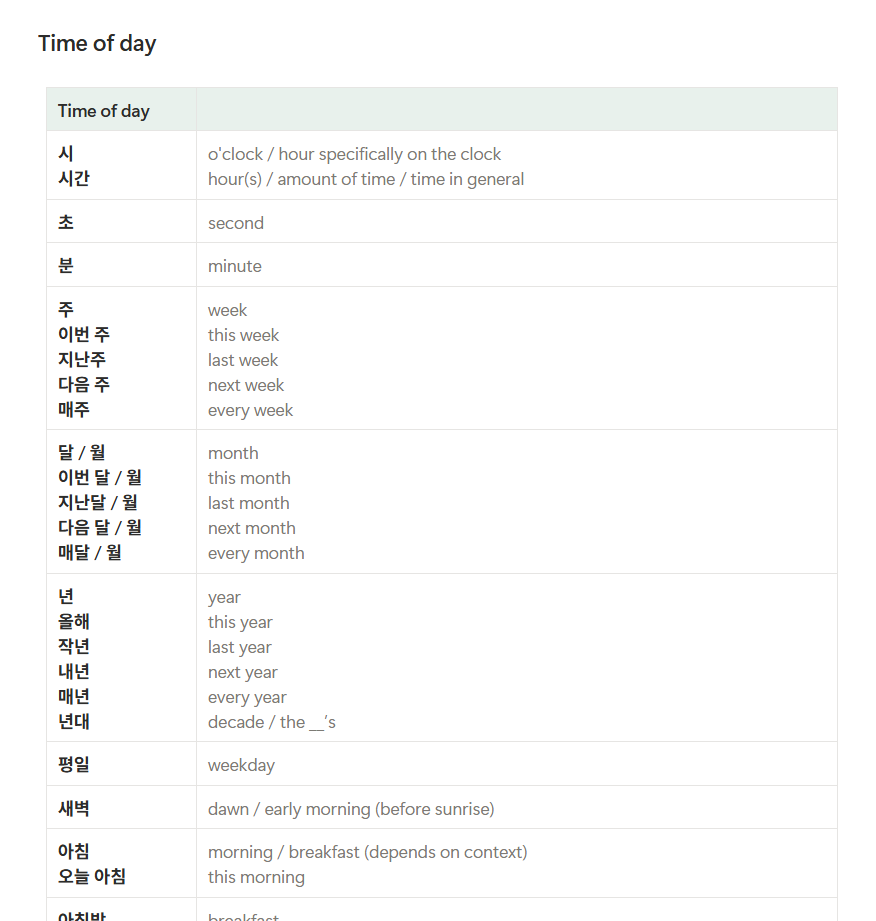
I originally kept my vocabulary in long Notion tables. The notes held the information I needed, but they were difficult to scan visually and gave me no useful way to search across everything. I wanted to preserve my own vocabulary while making it faster to find, understand, and practice.
I used ChatGPT to turn my study habits into a working tool. These prompts summarize the direction I set for my user experience.
“Organize my words into verbs, adjectives, adverbs, and nouns. Keep related words together in a group.”
The content follows what I’m learning instead of a preset vocabulary course.

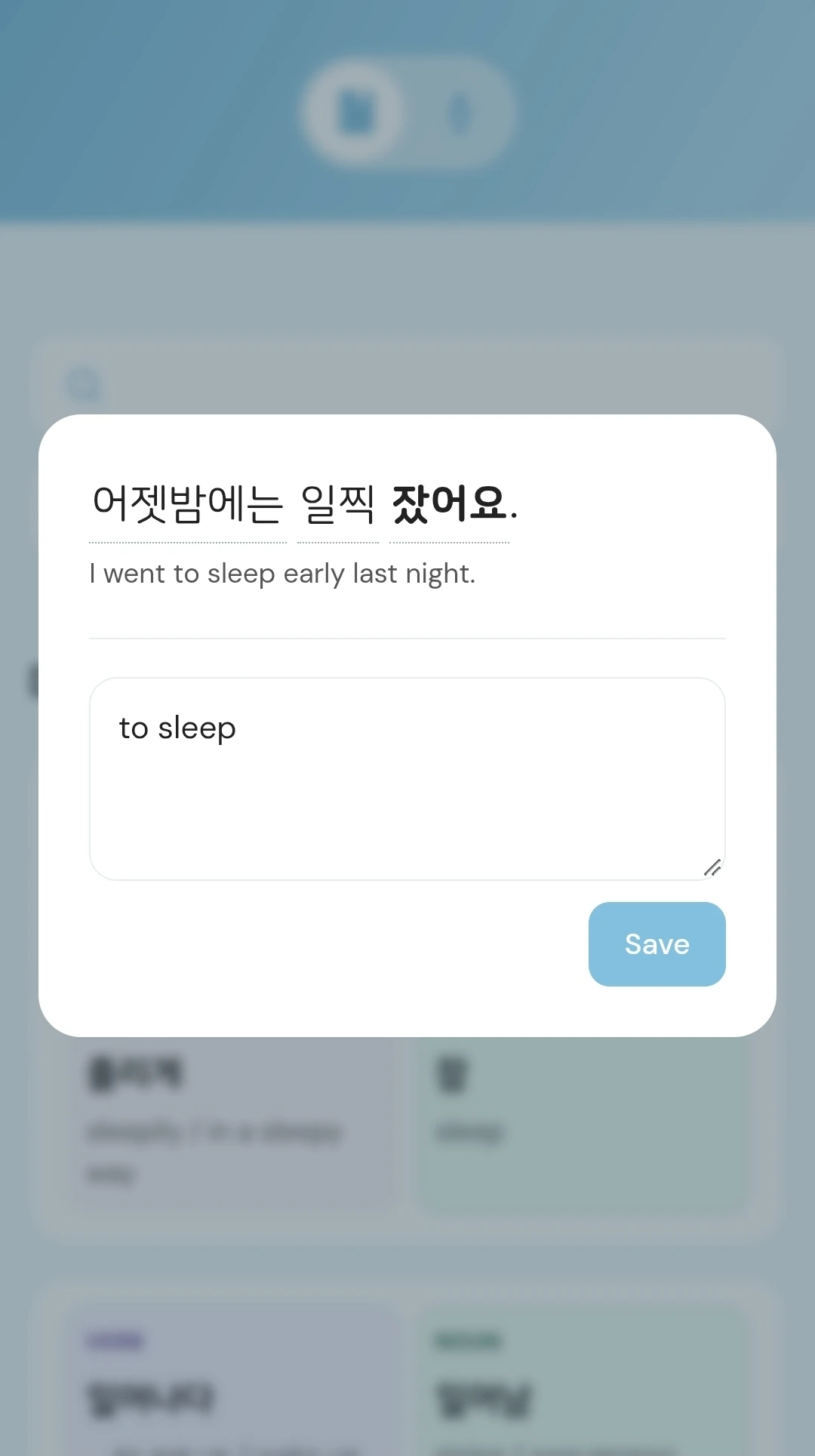
“Add an example sentence and pronunciation to each word. Allow me to edit the definition.”
I can hear the word and see how it’s used instead of only memorizing its translation.
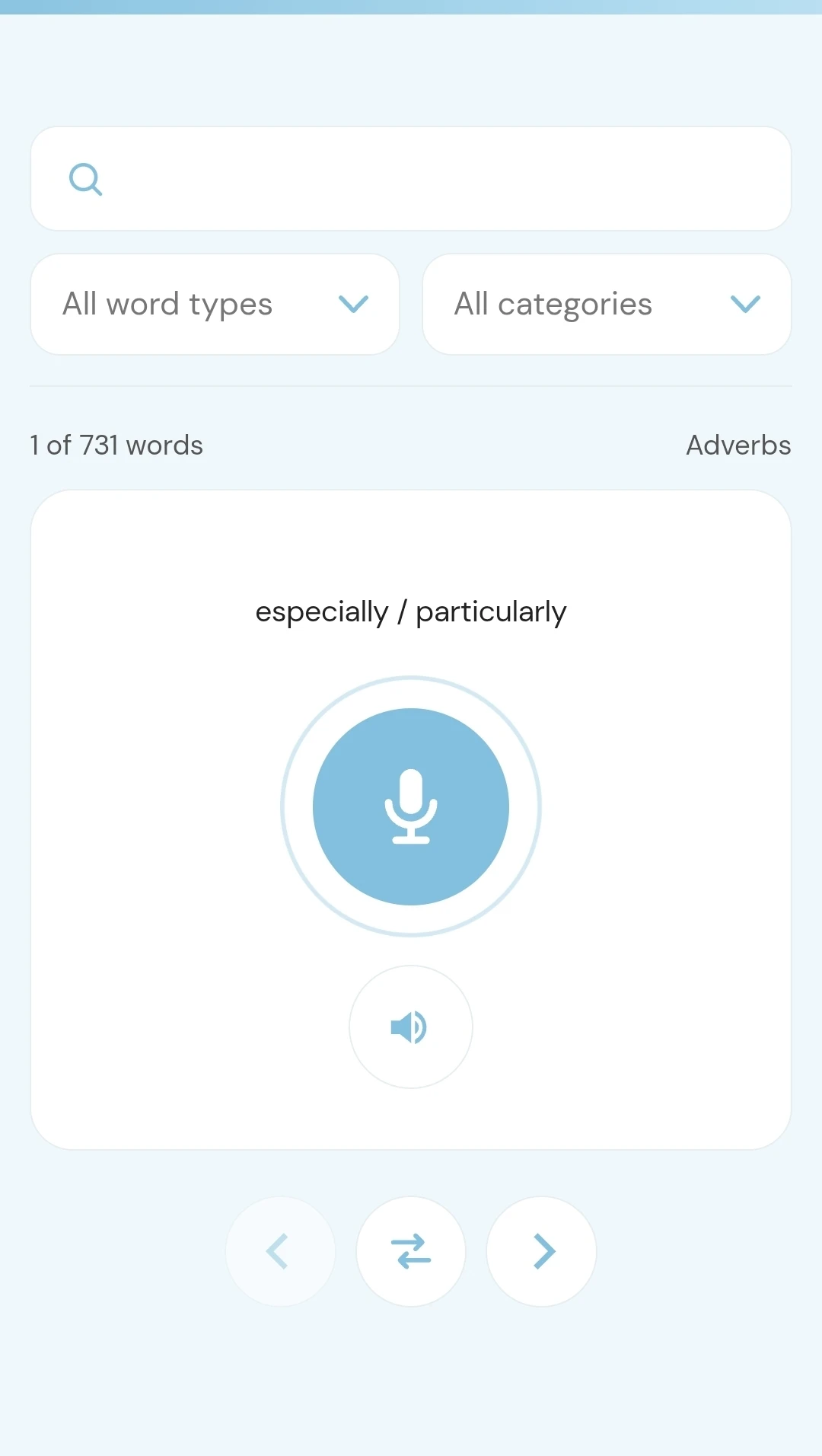
“Show me the English meaning and let me say the Korean word into the microphone. Check if it recognizes my answer so I can test my pronunciation.”
I can test myself out loud and check if the app understands what I’m saying.
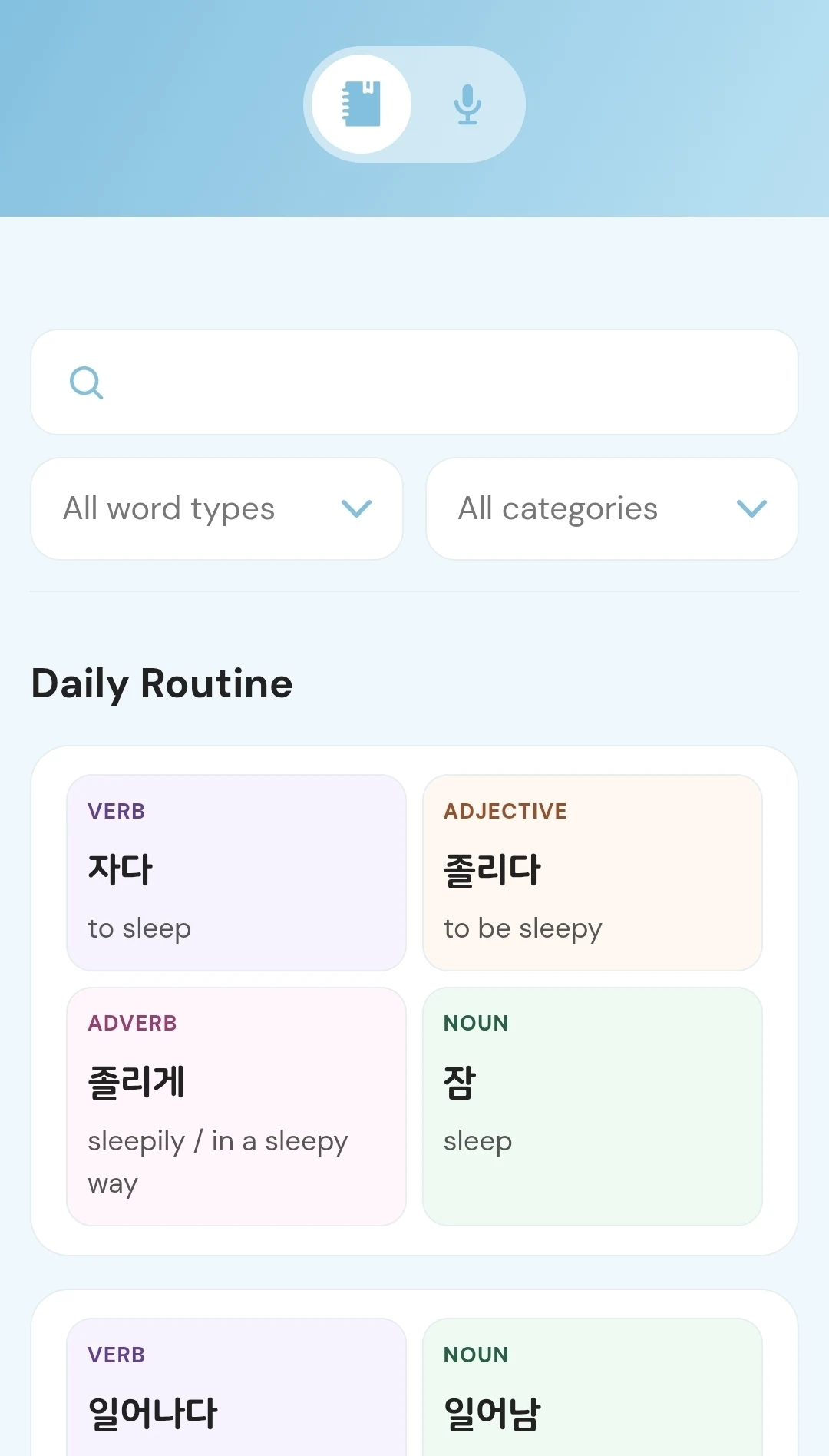
Word families help me see the relationship between a verb, noun, adjective, and adverb instead of memorizing each one in isolation. The speaking page puts the microphone front and center.
Korean has always been blue in my head. I experience synesthesia and associate words with colors, so making this app blue just makes sense to me and makes my study space feel familiar.
I can listen to the pronunciation, read an example sentence, and edit the definition to match how the word is actually used instead of keeping a blanket definition.
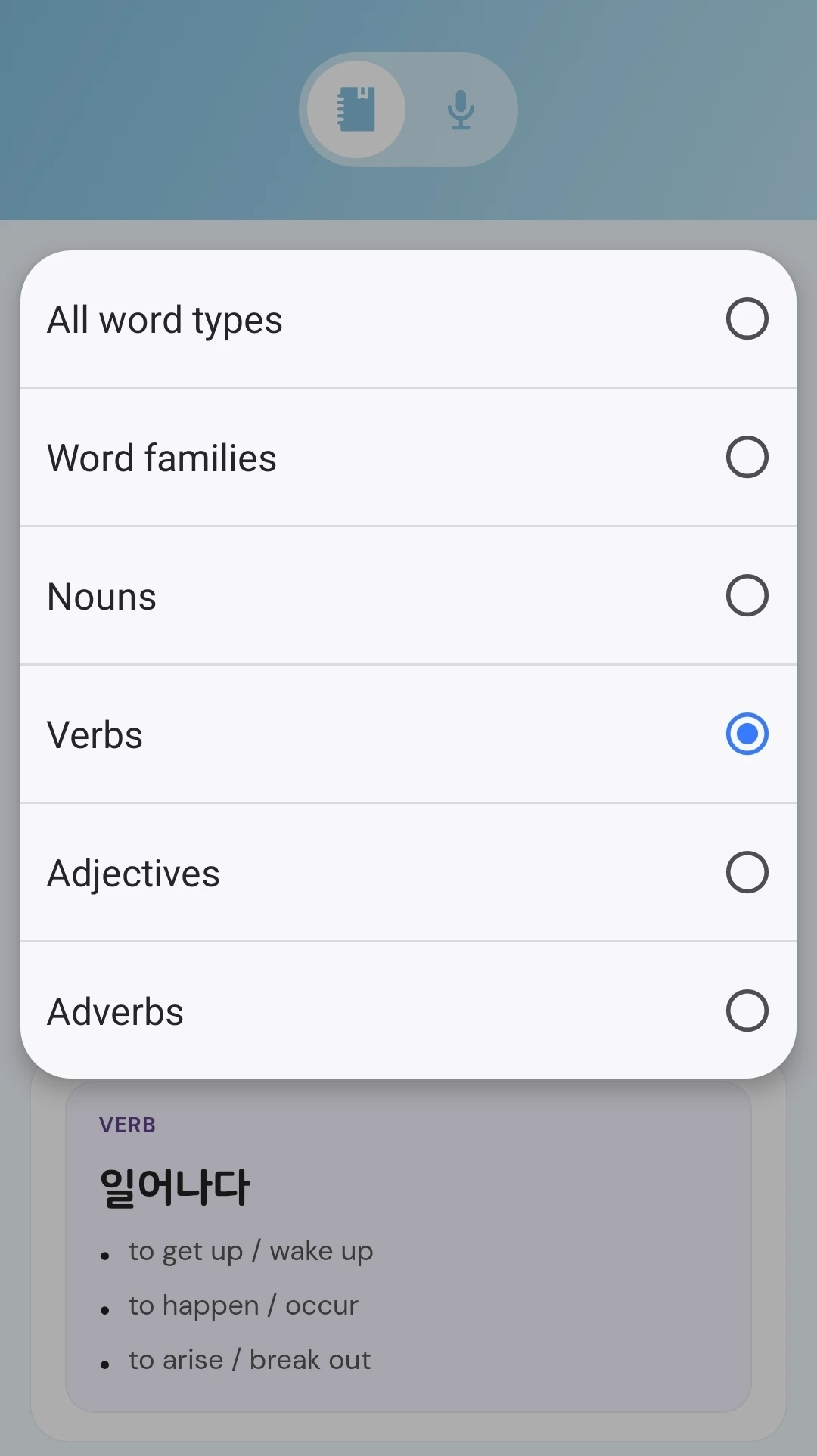
I can search my words, choose a category, or filter by word type. That lets me revisit a lesson’s vocabulary or spend a session on the word type I want to practice.
Color and typography establish a clear visual hierarchy.
Definitions and supporting information
Small color-coded labels distinguish each word type.
Search narrows the vocabulary, while filters organize it by word type and category.
Related words stay together, with subtle colors separating each word type.
No matching vocabulary found.
Switch to speaking practice, say the word aloud, and check the answer when you need it.
Pronunciation playback and controls.
Fields for examples and personal definitions.
I have one place to revisit the words I’ve come across instead of losing track of them between lessons. Seeing related words together helps me make connections, and speaking practice gets me saying them out loud instead of only recognizing them on a screen.